Do you want to celebrate a baby shower with your co-workers?
With most offices now working remotely or taking a hybrid approach, office baby showers may not be as common as they once were. Using WebBabyShower, you can create an awesome virtual baby shower for yourself or a colleague.
With WebBabyShower, you can easily set up your party in under a minute, then get started with the celebration! And don’t worry – if the party is a surprise, there are plenty of ways to make sure the guest of honor doesn’t find out before the event! If the baby shower is planned, you’ll still find tons of great resources to help you make the day memorable.
WebBabyShower is an excellent solution for employees who want to do something nice for a co-worker, employers who want to throw a party, HR reps, and more! Check out this guide with step-by-step instructions for throwing a work baby shower.
Throw a Virtual Baby Shower so Everyone Can Celebrate!
• Free Trial – 14-Day Refund for any reason
• Only 1 Minute Setup!
• 80+ Custom Themes & Matching Invites
• Use Any Online Registry
• Send Unlimited Invites and Updates
• Baby Shower Games with Scoreboards, Give Prizes!
How To Set Up a Virtual Baby Shower Website in Under 30 Minutes
Not only can you plan a baby shower that suits your guests best, but WebBabyShower is the ideal option for those who want to host an event for their employees. With the website and app it’s easy to connect. (It makes financial sense, too, at under $100.)
After going through the super simple setup for your baby shower, bring your friends and co-workers in on the plans. They can download the WebBabyShower app to communicate with you and each other as the party draws nearer.
You can quickly get your website set up and inform guests fast about the upcoming event. Here’s what to do:
- Set Up a Shower Site
- Customize the Site
- Add Baby Registry
- Start Inviting Guests
- Ask Guests to Download the Mobile App
- Celebrate
Set Up a Shower Site (1 minute)
You can create your virtual work baby shower website in under a minute! All you need to do is provide some important details, such as the new baby’s name and the kind of baby shower you’re hosting.
Then your website will be set up automatically for you. You’ve already completed an essential step of the process, just like that!
Customize the Site (10 minutes)
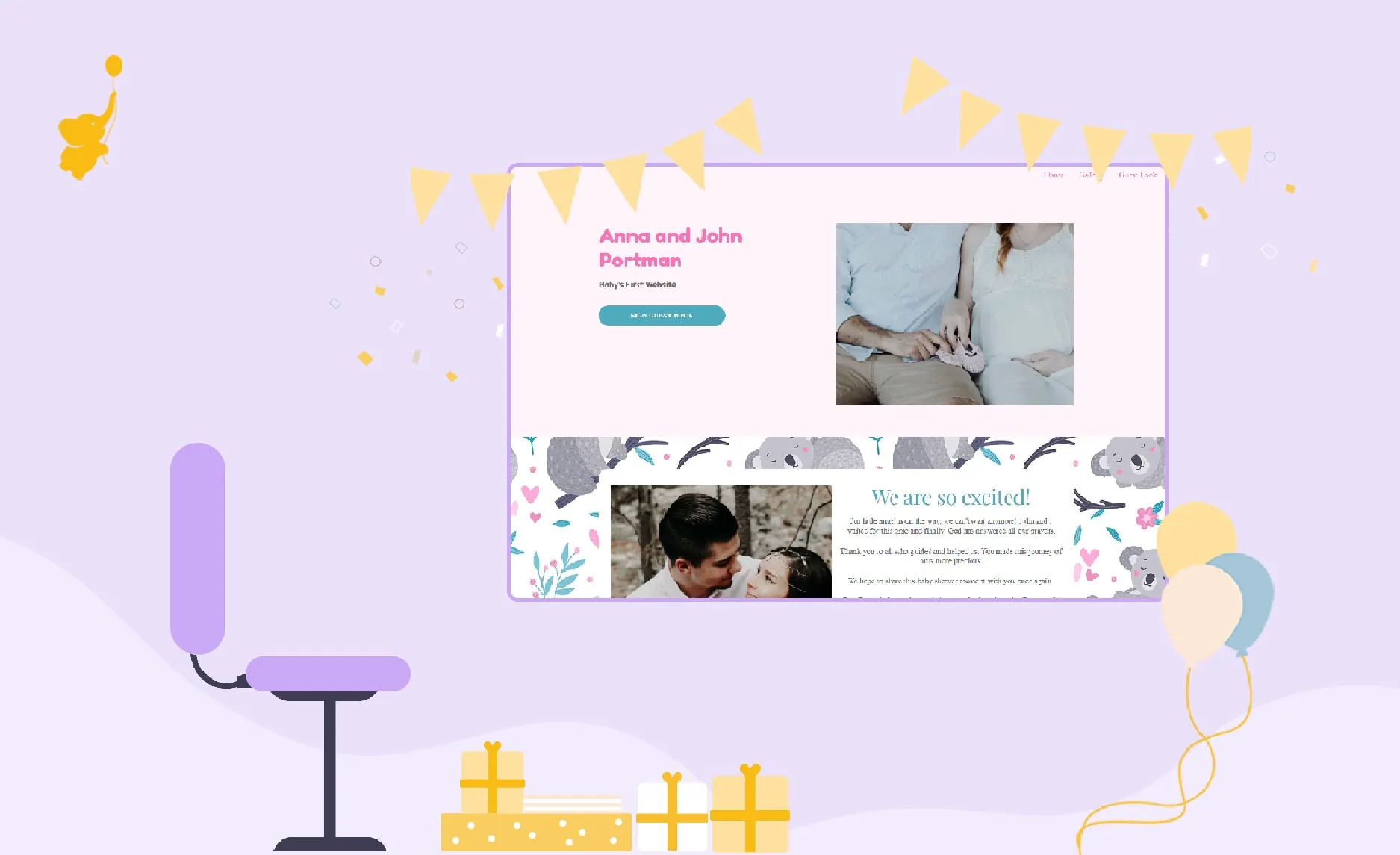
Now it’s time to make the website your own. Start by picking out a cute theme for the party. You’ll have over 80 ready-made backgrounds available to you, but you can also upload your own if you prefer.
The next part of customizing involves choosing the games you want to have available for your guests. Pick ones that reflect the theme and personality of the party!
After that, add your own videos and photos for your guests. You can make video updates about the pregnancy or party details through this, and it’s an easy way to keep everyone informed. It’s also easy to add pregnancy photos or pictures of the newborn if the baby will be born before the event. (Some people like to have a party after the baby’s birth.) And when your guests use the mobile app, they won’t ever miss a minute.
Add Baby Registry (1 minute)
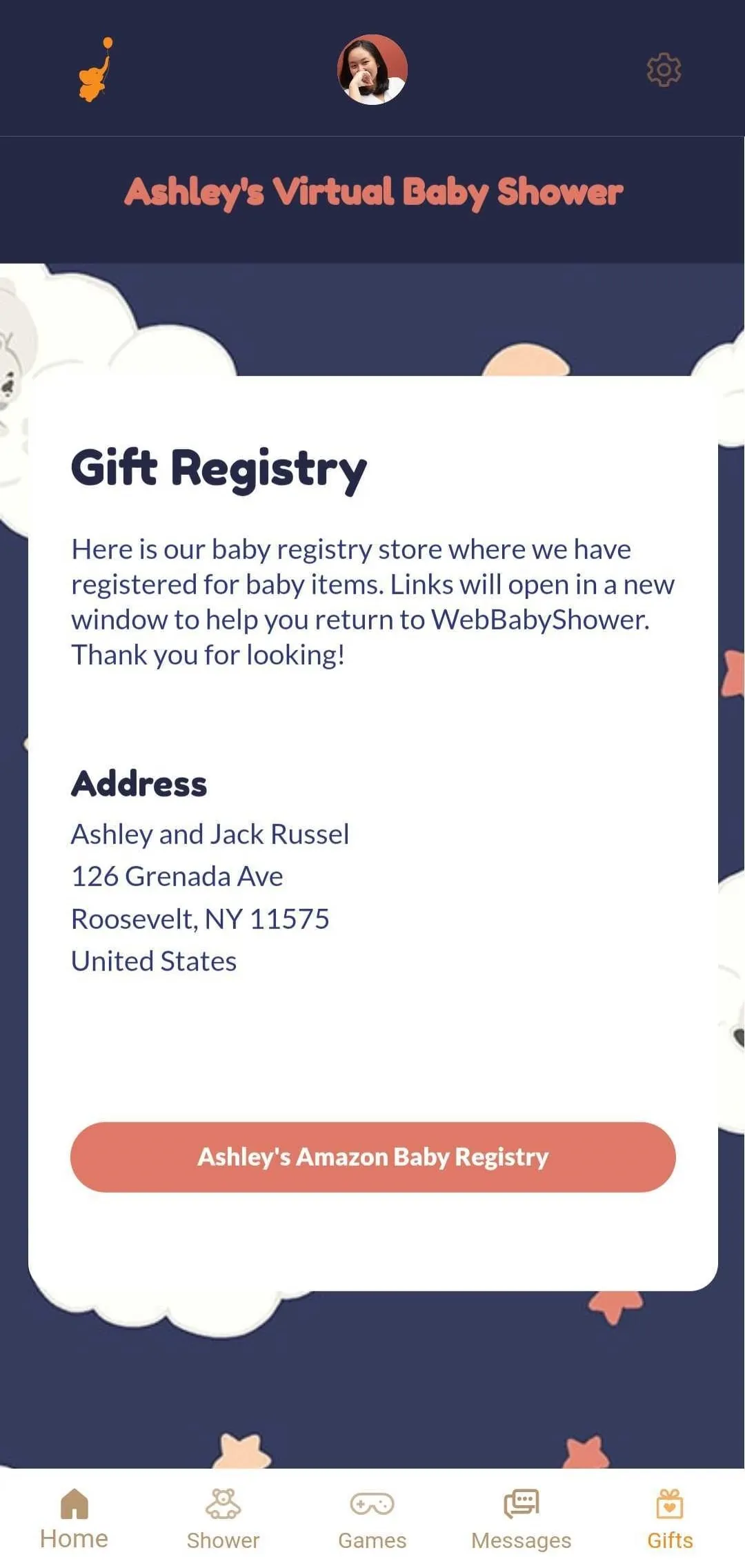
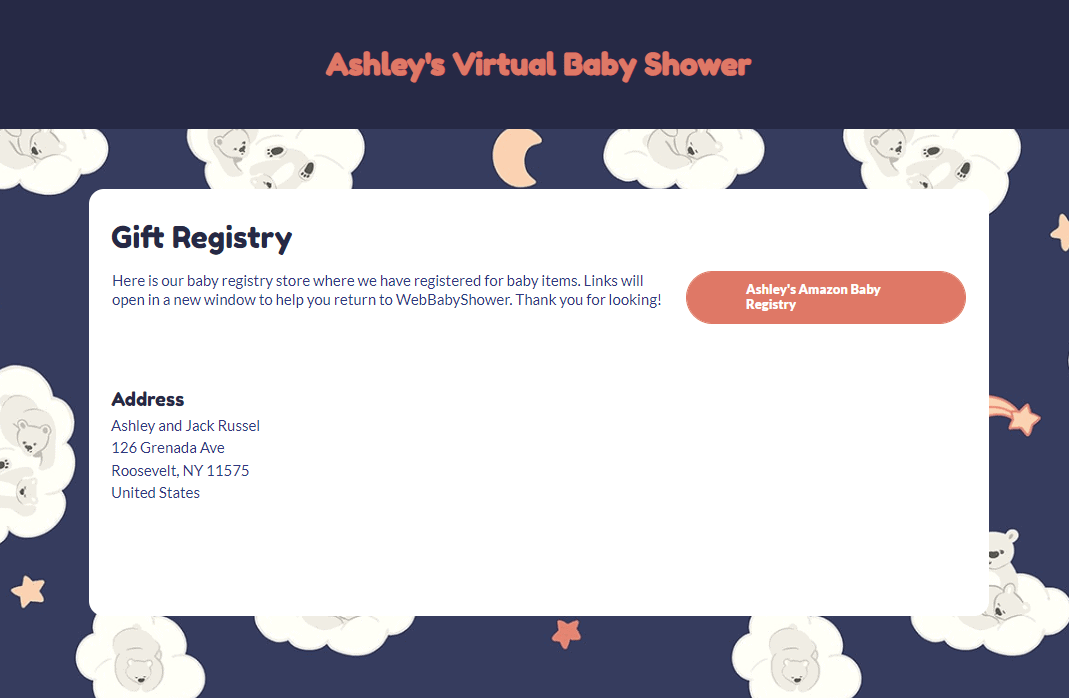
After your website is complete, it’s time to add that baby registry! Post it on the website so your guests can access it and easily find out what the expecting parents need for gifts.
The registry will be displayed at the top of the website so that everyone can find it with no trouble. It’s also available on the front page of the mobile app for easy access.
Start Inviting Guests (10 – 15 minutes)
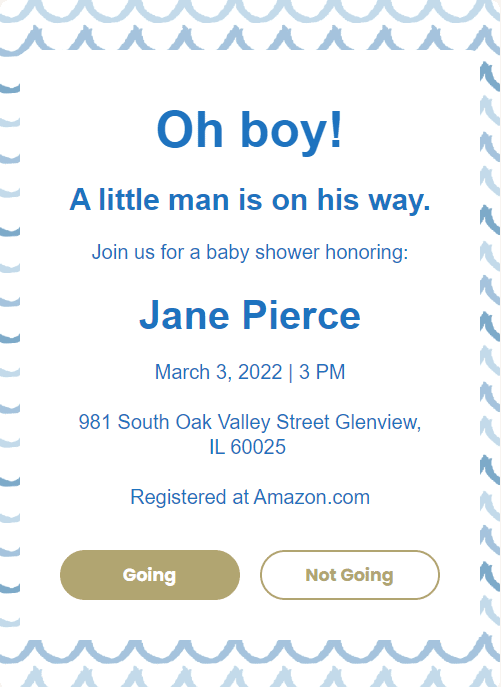
Your website is complete, and the registry has been added. Once you choose a party date, it’s time to invite the guests! Let your colleagues know about the event by sending out digital invitations.
WebBabyShower allows you to send as many baby shower invites as you’d like, so don’t worry – nobody in the office will be left out. Plus, your invitations can match the theme of the website, which keeps everything nice and tied together.


Ask Guests to Download the Mobile App (2 minutes)
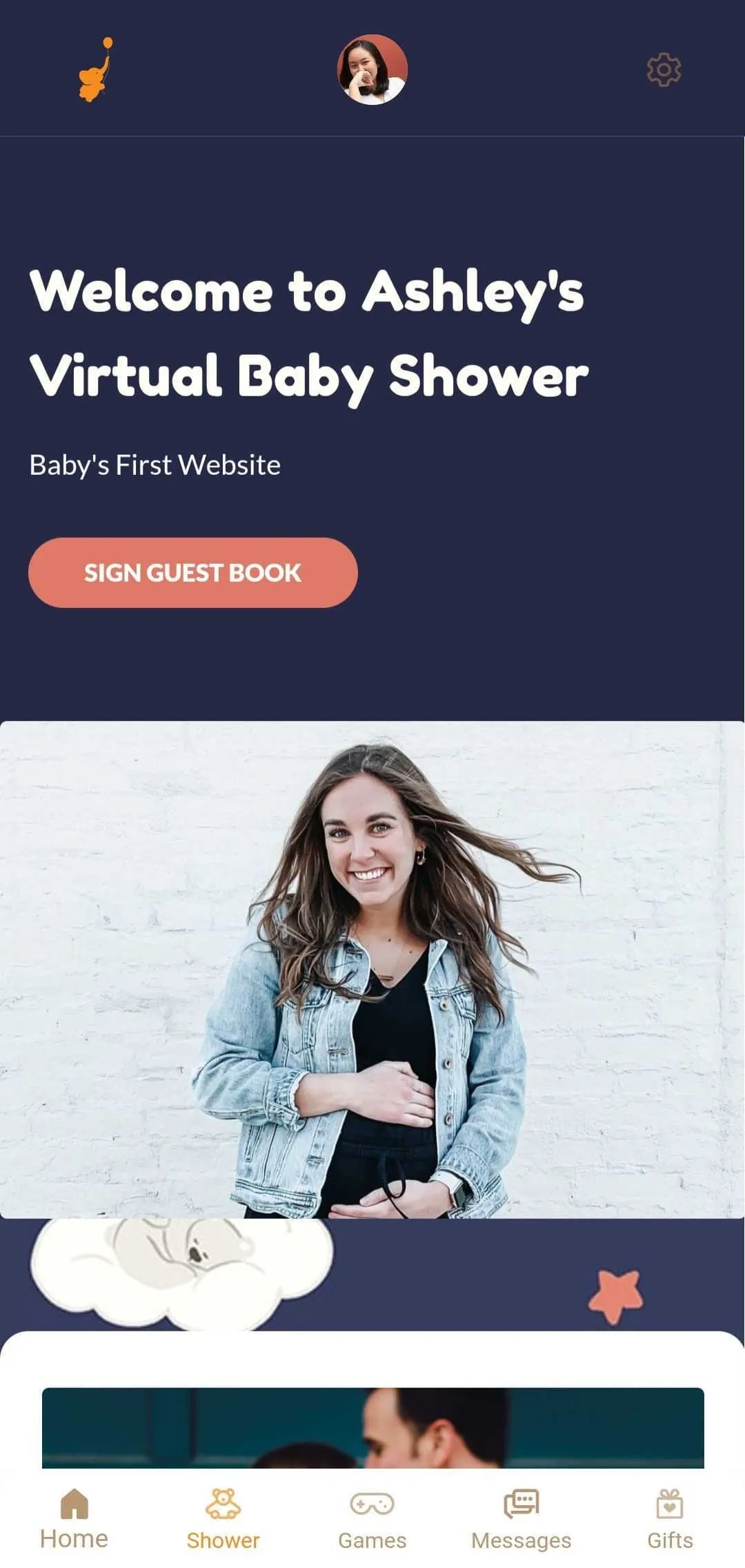
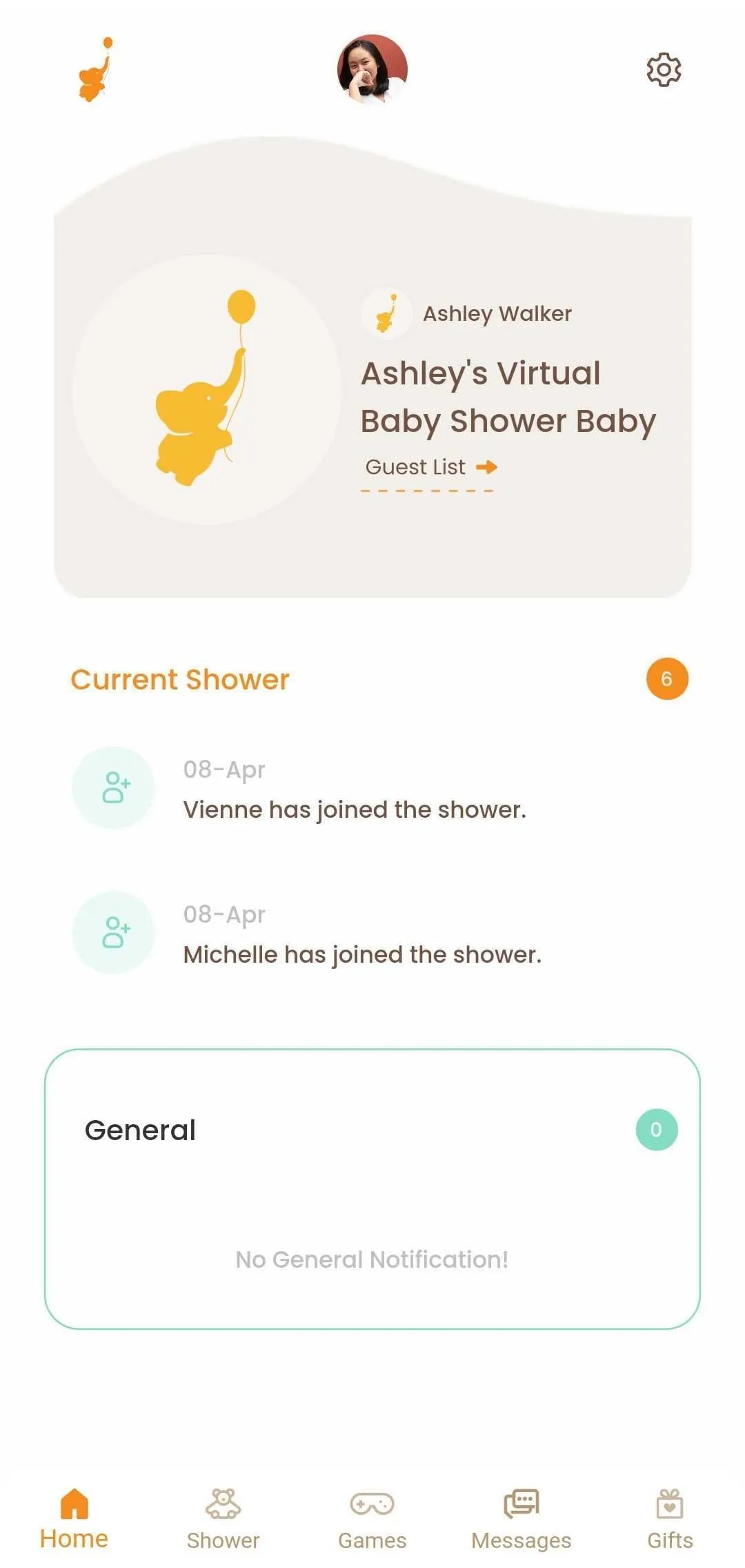
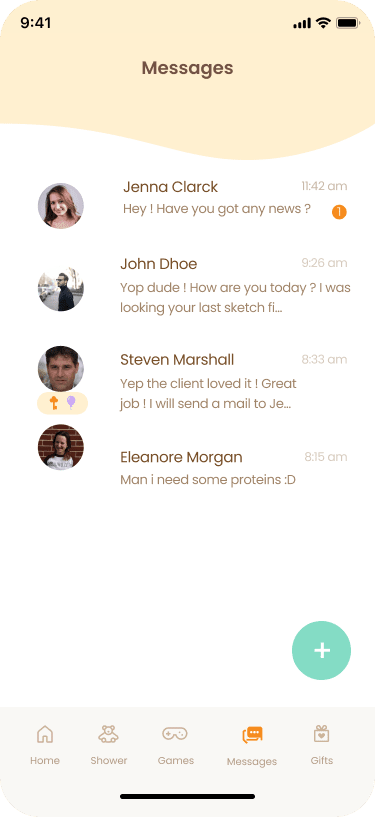
Once everyone knows about the party, ask your guests to download the mobile app. This will give them access to all updates about the baby shower and allow them to play games and communicate with one another.
They’ll stay engaged as the date of the virtual work baby shower approaches by checking out the photos and videos you’ve added and planning group gifts through in-app messaging.

Celebrate (1 minute – just kidding, celebrate as much as you want!)
This is the best part! Everyone is getting together for the work baby shower and celebrating the new parents and baby! All the guests can join in via private video hosting with WebBabyShower, another great feature. Instead of another zoom call, you can host your entire party using the WebBabyShower experience, including video chat.
Advice for Your Work Baby Shower
A virtual work baby shower is slightly different from a party that family and friends attend. It may require a bit more formality. So here are some things to remember:
- Choose games that will appeal to your guests.
There are many baby shower games you can play for the big event. However, some games will appeal more to a group of co-workers. You know the people you work with, so choose activities they’ll enjoy and be comfortable with.
- Be clear about the party being virtual.
While most people will gather from the website and the digital invites that the party is a virtual work baby shower, it doesn’t hurt to include this information. Be clear in your invitation wording that the party will be virtual, and not at the office.
- Be clear about registry and gift expectations.
While you definitely don’t need to make a big deal about the registry, (some might consider this as bad baby shower etiquette), make sure to include the registry in a few places, like the invites, the website, and the app. Your colleagues may want to know what’s expected regarding presents, so make sure the information is easily accessible without them having to awkwardly ask you for the details.
Host an Amazing Work Baby Shower: Virtually!
Make planning this party the easiest task on your work to-do list by using WebBabyShower. A work baby shower with your colleagues can be very fun and straightforward to set up, and it means that you don’t have to miss out on a shower just because your workplace has moved to a work-from-home model. You’ll have access to everything from a website to a mobile app and video hosting. Not to mention great informative articles to help you with the planning process.
Whether you need to create an event quickly or you just want an easy way to plan, WebBabyShower offers plenty of excellent features to make this event the party everyone in the office talks about.
14 day Money back guarantee