These days, with the ongoing COVID-19 pandemic, are you searching for social distancing ideas as an alternative to a traditional, in-person baby shower? If so, search no longer because we have a safe — and fun! — solution for you.
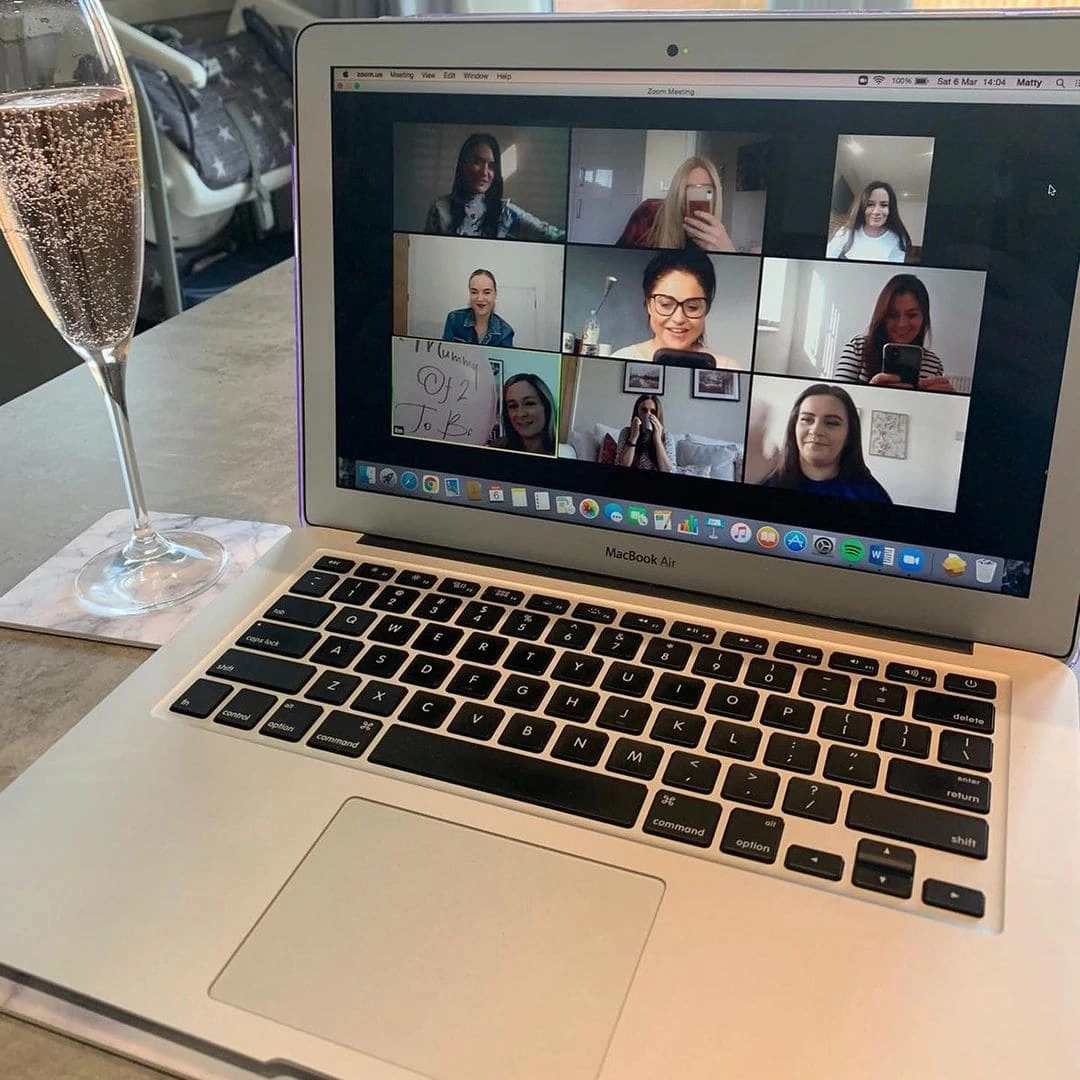
Take the celebration online with a Zoom virtual baby shower!
On top of that, learn how to have an awesome long-distance baby shower! We have a wide range of baby shower background photos for your baby shower we are sure you’ll love.
Are You New to Zoom?
The now ever-present Zoom is a video conferencing app that allows you to meet up with your baby shower guests, with everyone utilizing their own devices from their own homes — all while safely social distancing to have a successful baby shower!
Go Virtual!
Did you know virtual baby showers aren’t a new concept? A recent Twiniversity article calls virtual baby showers “a GREAT alternative to having your baby shower in person.” It’s true!
That same Twiniversity content mentions stories of moms being placed on bed rest, unable to attend their own baby showers, and adds, “In fact, many couples pregnant with twins have already been doing this for years!”
Isn’t it amazing?
You will have no worries about your baby shower, and not only can you celebrate your new baby’s upcoming arrival with family and friends all across the world by hosting a virtual baby shower, but now you can also personalize it even more by adding a Zoom background photo to your Zoom baby shower with just a few searches and clicks!
These baby shower backgrounds are simple to set up! You can learn how to Zoom with WebBabyShower’s easy-to-follow steps and tips.
We will turn you into a zoom pro in no time! Hello, home green screen!
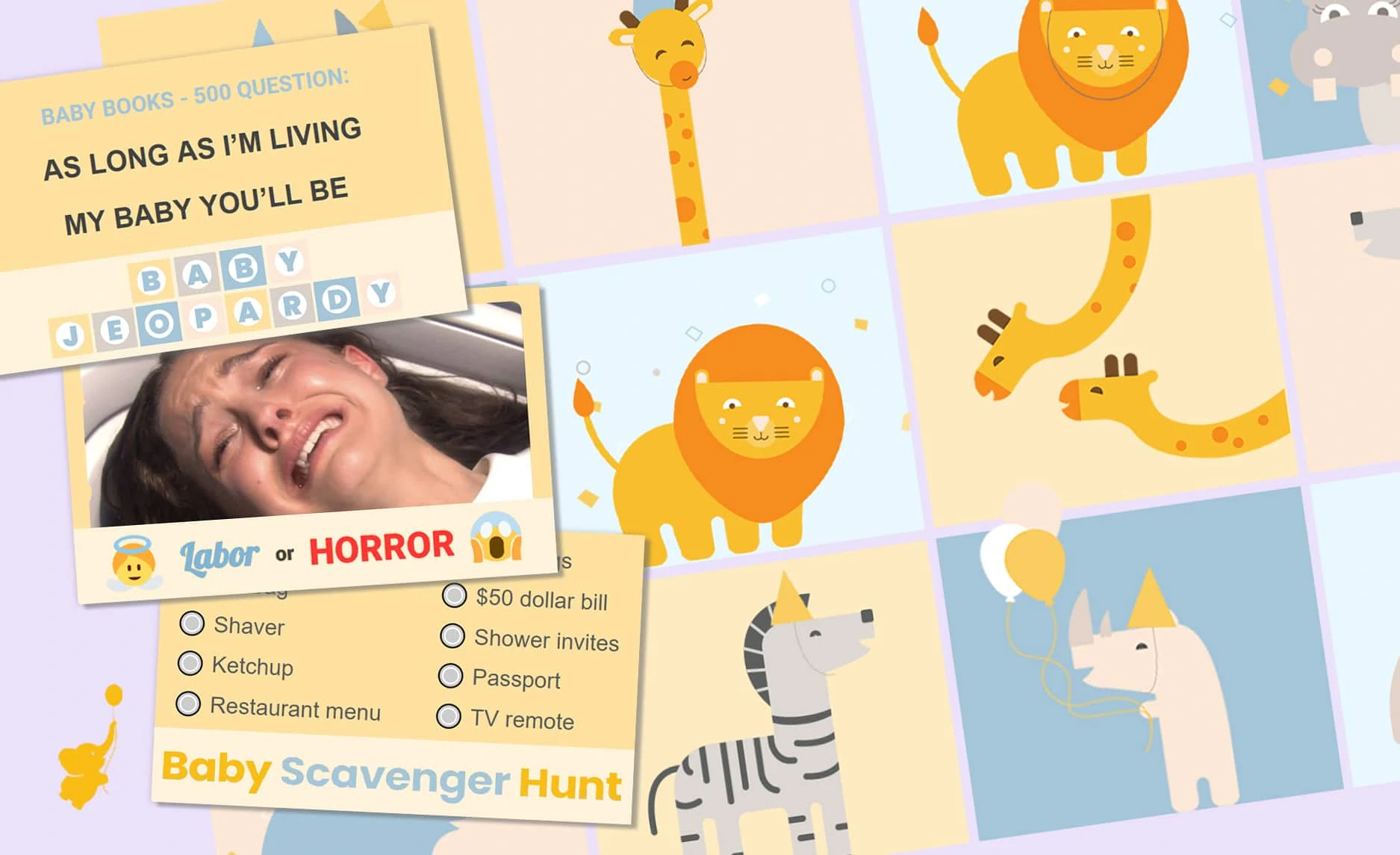
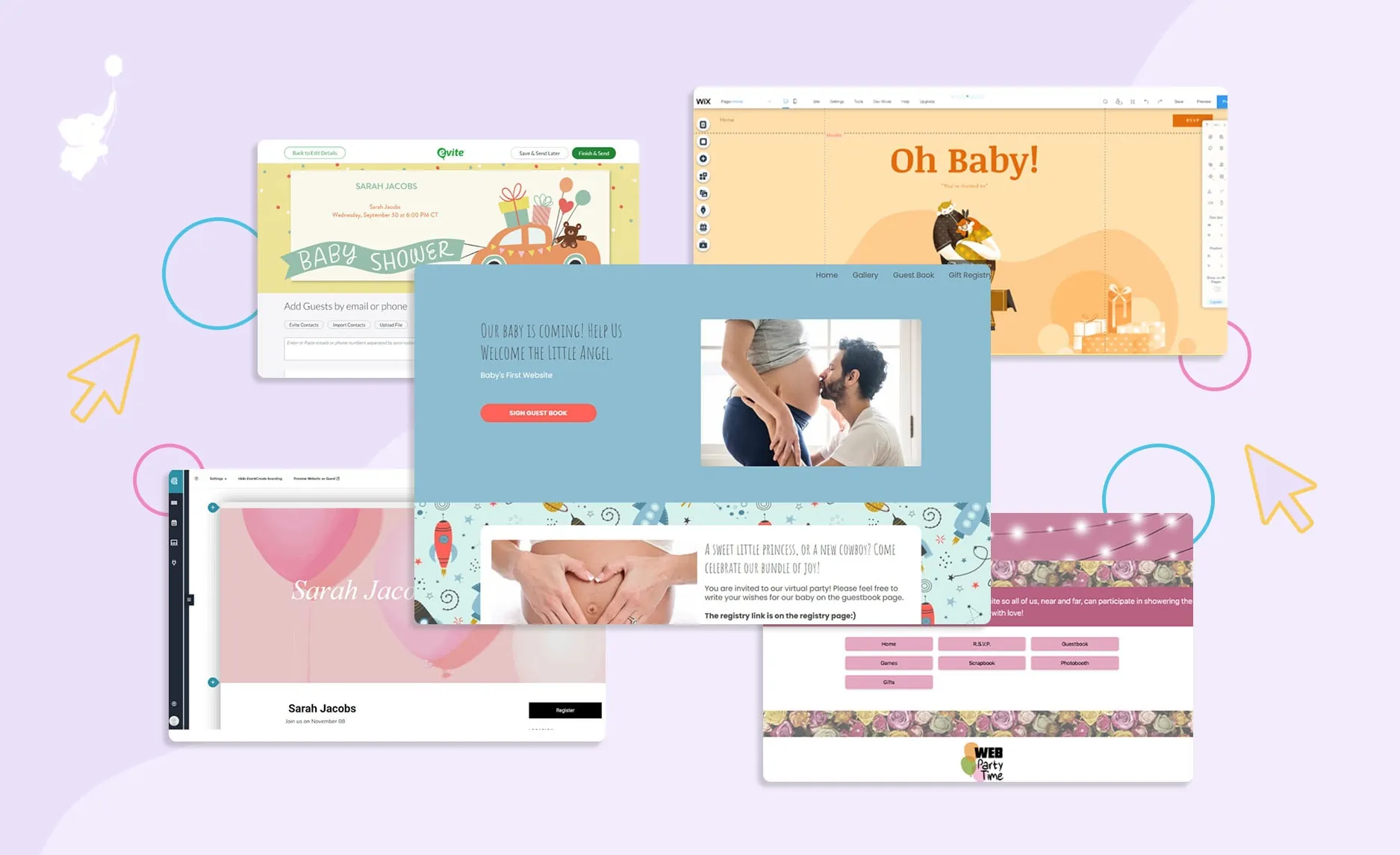
Want More than Just Zoom? Create an Easy Baby Shower Today!
• Free Trial – 14-Day Refund for any reason
• Only 1 Minute Setup!
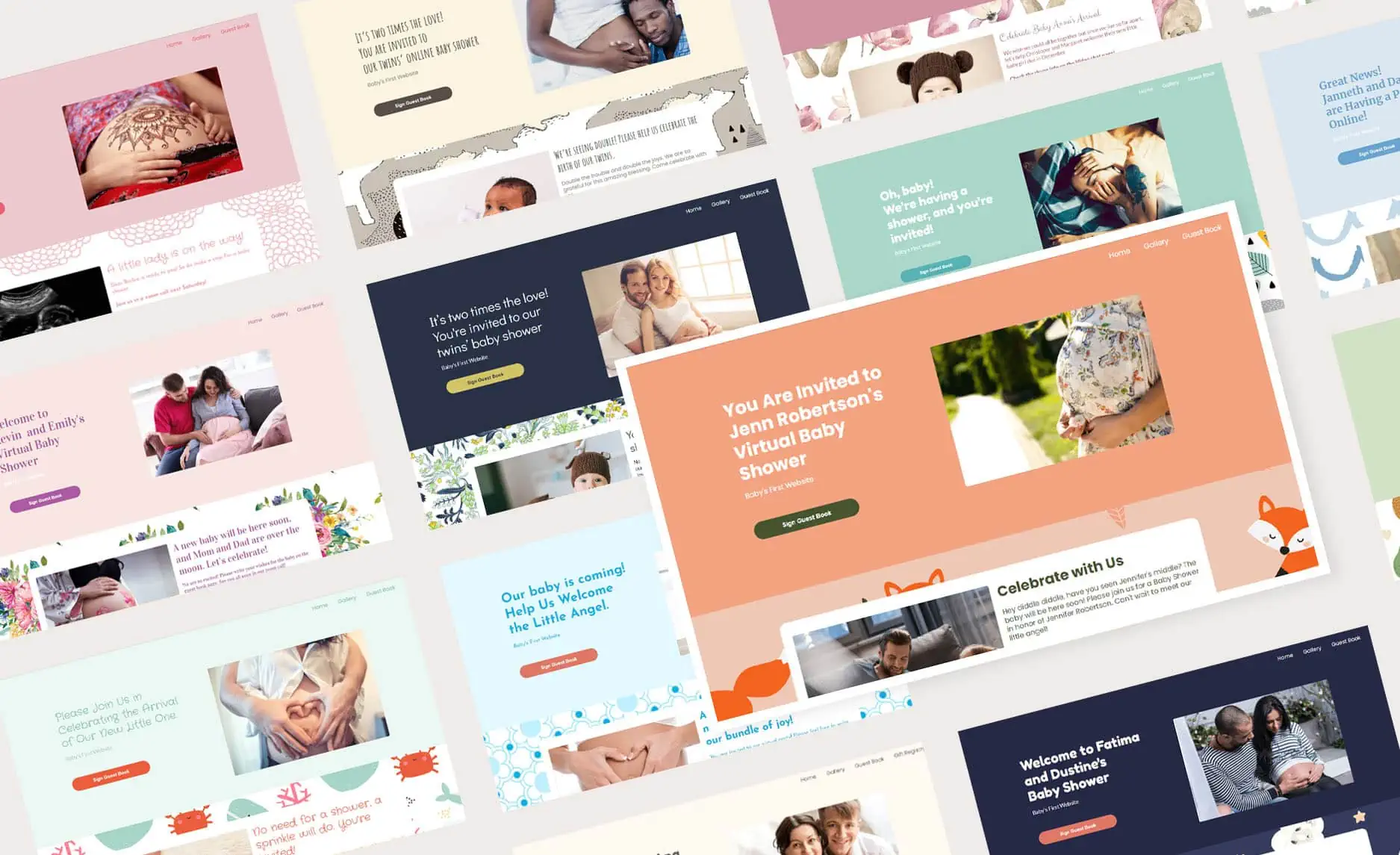
• 80+ Custom Themes & Matching Invites
• Use Any Online Registries
• Send Unlimited Invites and Updates
• Baby Shower Games with Scoreboards, Give Prizes!
Virtual Backgrounds for a Baby Shower
Grab a Zoom background for your baby shower and get the party started. We have plenty of cute and fun background photos for you to choose from.
You can choose your baby shower theme from any of our baby shower backdrop images. These beautiful patterns were created by our designers from every corner of the globe, with unique cultural backgrounds and fresh perspectives.
Pastel Designs
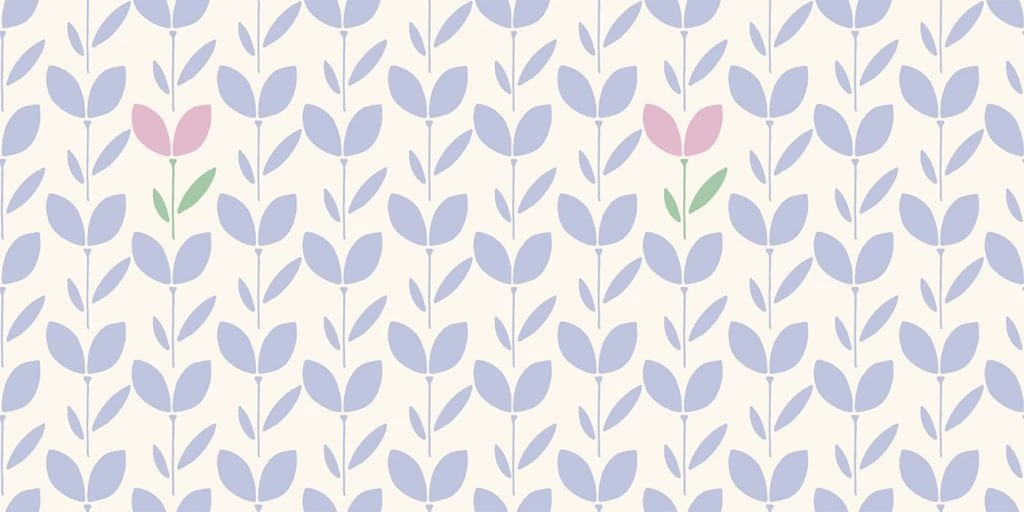

Lilacs
A calming design featuring cream and various hues of purple. This fun theme includes a flower pattern that matches beautifully with the colors.
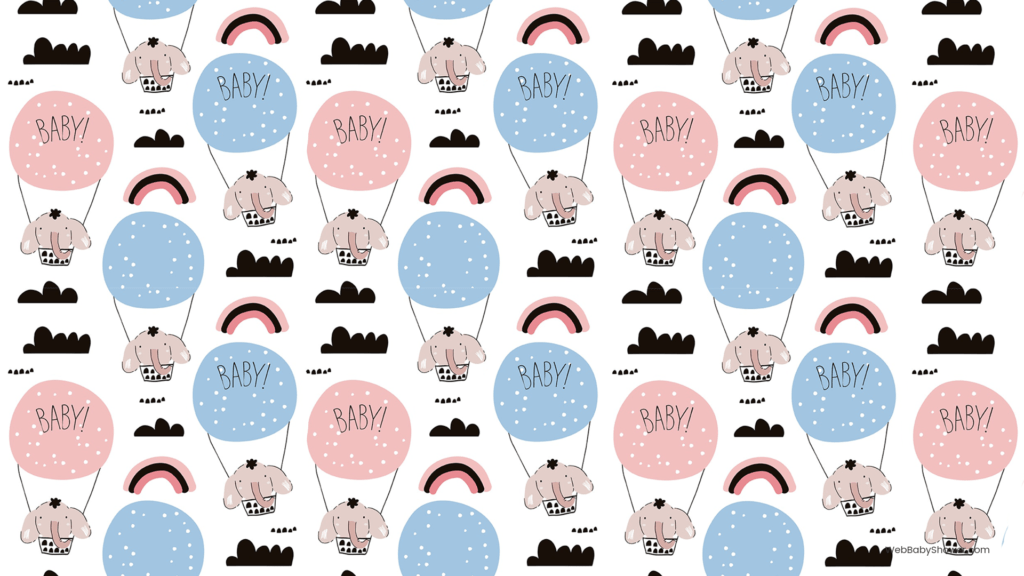
Elephant Balloons
The perfect mix of bright and happy colors, with a light blue background and pops of pink in the various accents. Featured is a rainbow and elephant balloon pattern with lots of white space.
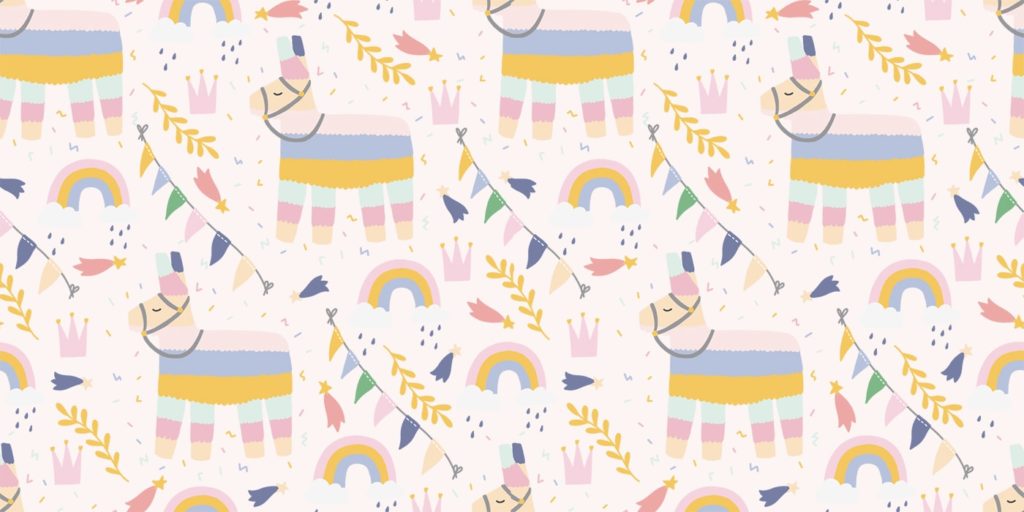
Party Llamas
This one is an excellent match of mint green, lilac, and ultra-light pink. It includes an adorable pattern with llamas, rainbows, and extra cute details.
Blue Waves
Great for a beach theme or a baby boy, this background has shades of light, medium, and deep blue. A simple wave pattern completes the look.
Create your own Baby Shower Background
Bright Designs
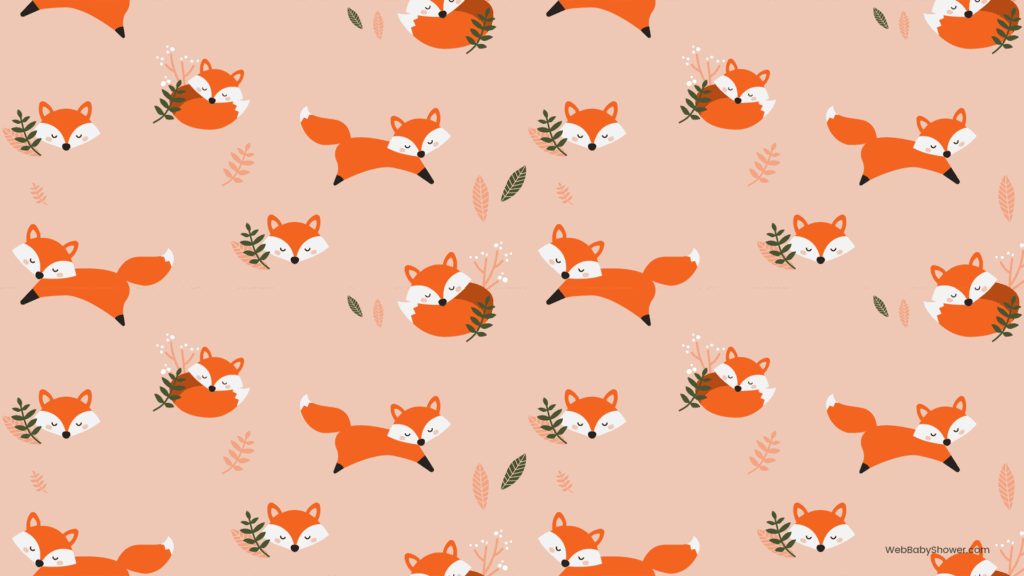

Foxes
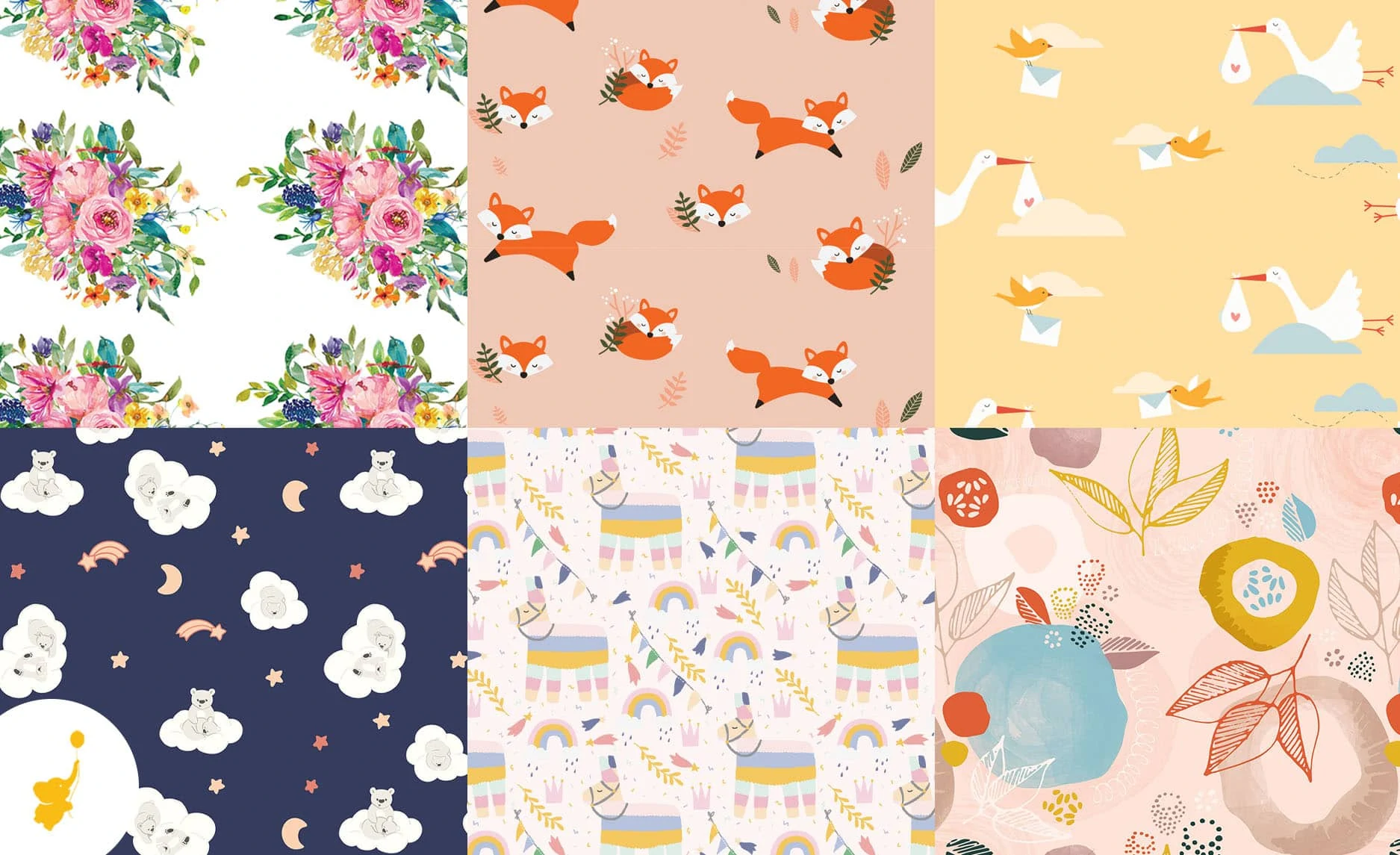
This super cute pattern features baby foxes sleeping and running, cloaked in bright orange. Light pink and hunter green also make an appearance as accent colors.
Storks
Deep orange and yellows mark this sunny baby shower background! Flying storks amidst clouds make for a lovely pattern, and help this theme work well for a gender-neutral party.
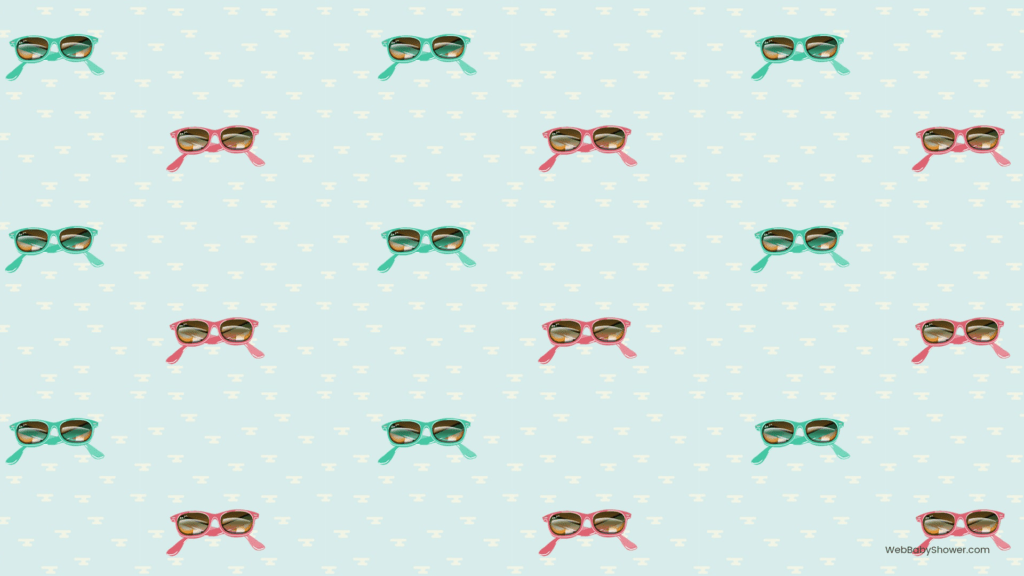
Summer Baby
If your baby will be born in the summer season, check out this background! Mint, blue, and hot pink balance each other out as colors that bring out the warmer season.
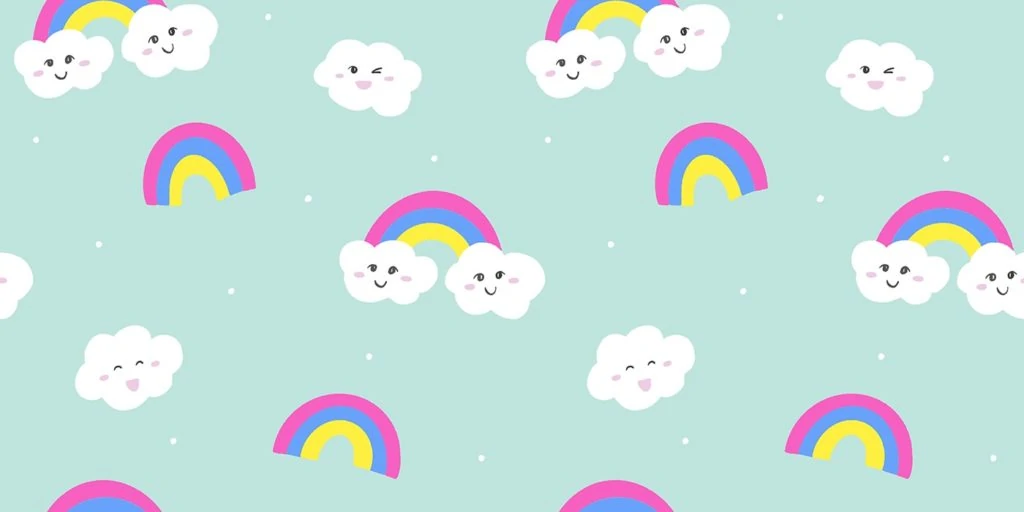
Rainbows
This theme features rainbows and smiling clouds. The beautiful display includes green, yellow, blue, and bright magenta.
Bold Designs



Happy Planets
This unique design includes smiling planets amidst a starry sky. The colors featured are a lovely mix of blue, yellow, and black.
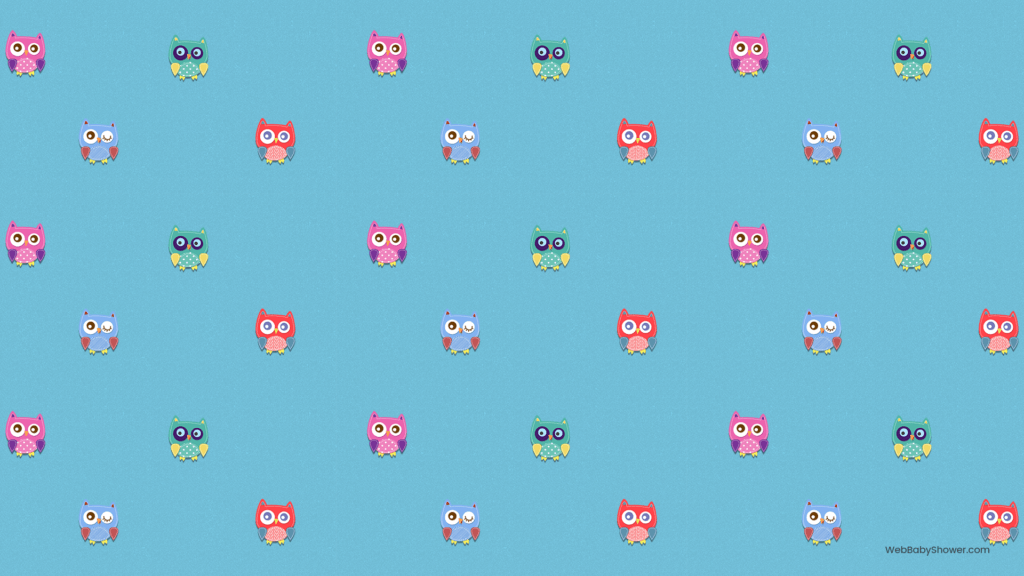
Owly
If you love animals, you’ll enjoy this brightly colored setting with adorable owls floating on a blue background. Other fun hues the design includes are seafoam green and hot pink.
Sleepy Bears
If you want a calming and cute design, this background of sleeping bears on clouds is perfect. It also features moons and shooting stars with navy, cream, and peach tones.
Modern Botanical Blush
This design is excellent for parents who want an original look with coral, blush, and blue. This pattern includes various florals, with plants drawing the eye and looking fantastic.
Classic Designs
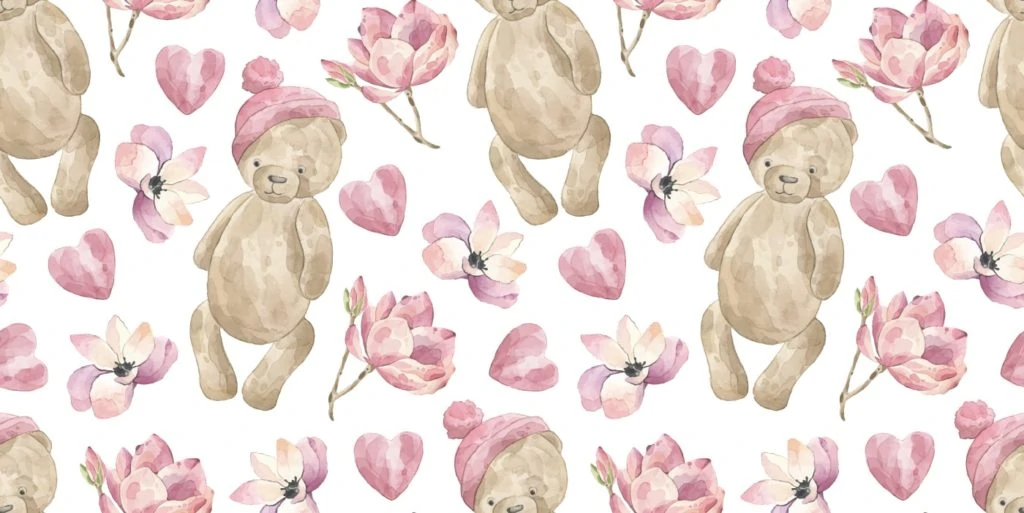


Teddy Bears
This theme works great for autumn and spring with muted mauve, pink, and blush tones, and with the adorable teddy bears and flowers making up the background!
Trains
A cute vintage turned modern design featuring trains running in and out of the background. Colors of purple, coral, and cream make it pretty and perfect for any baby shower.
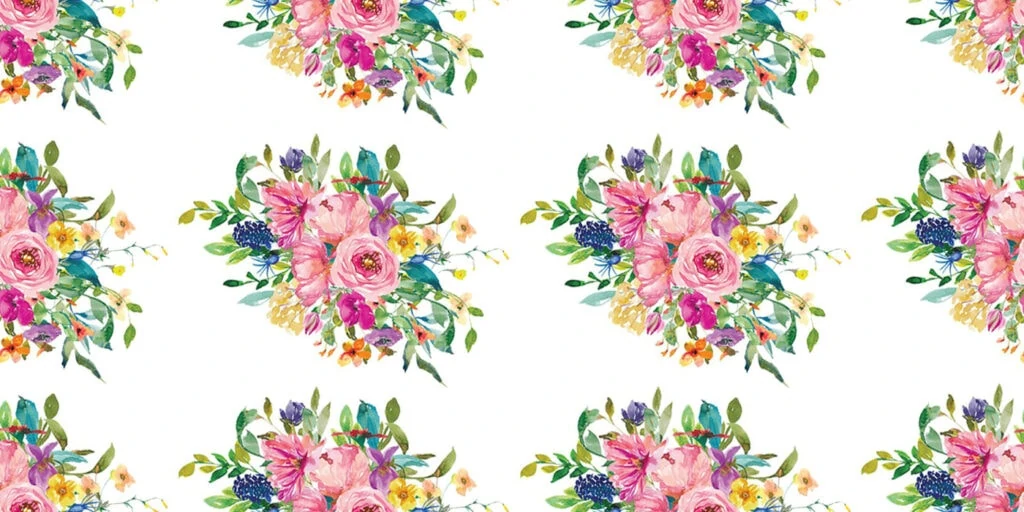
Classic Bouquet
If flowers and bright colors are your thing, look no further than this design of beautiful bouquets amidst a white background. Accent colors of purple and peach pink complete the look.
Baby Blocks
A gender-neutral design of medium green, light pink, and bright white look beautiful together. This theme also features baby blocks with different letters of the alphabet.
WebBabyShower offers many beautiful designs, so you’re sure to find one that perfectly represents your party and unique style. Check out all of our backgrounds and find the one that fits your event.
How Do I Set Up a Zoom Account so I can use these backgrounds?

Just follow these steps:
- Go tohttps://zoom.us/or download the Zoom apphttps://zoom.us/download.Creating a basic account is free. All you have to do is Click the “SIGN UP, IT’S FREE” button located at the top, right-hand corner of the page. Be sure you choose the Basic Plan if you want to keep it free.
- You’ll then receive a series of prompts requesting basic information. You’ll be asked for your birth date. Then type in your email address. Finally, click the “Sign Up” button.
- Easy peasy – now you’re ready to Zoom! You can also sign up using Google or Facebook.
What are the Limits on a Free Account?
Zoom doesn’t only have Pro Plans — they also have a free one. With a Basic free Zoom account, you can host up to 100 participants, but with 25 people’s faces.
A Participant is an invitee in a meeting scheduled by someone with a Host license. People can join your meeting for free from their phone, desktop, mobile, and tablet devices. Zoom doesn’t require people to set up an account in order to join a meeting.
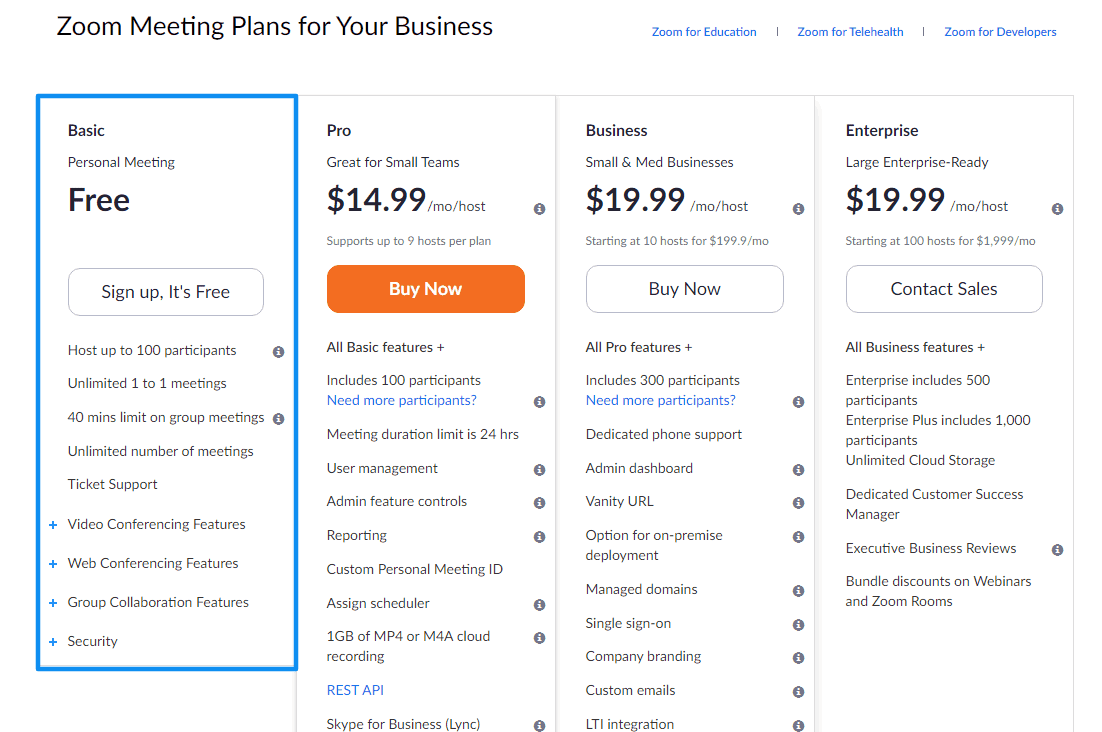
You can enjoy unlimited 1 to 1 meetings. The Basic Plan has a 40-minute time limit on meetings with three or more total participants. But if you opt for a Pro Plan to have greater features, it’s all up to you!
Need More Meeting Time?
You can either close out the room you’re in to begin a new meeting, or extend your meeting time with a Pro Plan option. If you decide to upgrade to a Pro Plan, Twiniversity points out that you can cancel at any time.
The free Zoom account offers an unlimited number of meetings, along with ticket support. Video conferencing features include HD video and voice, full screen and gallery view (showing up to 25 video feeds per screen), simultaneous screen sharing, a waiting room, and an active speaker view — meaning Zoom detects which person is speaking and automatically shifts the video feed to them.
How to Add a Baby Shower Background to Zoom
What is a Zoom baby shower background? Simply put, this super cool Zoom feature enables you to display an image or video as your background during a meeting.
For example, if you are having a meeting either for business or just for chatting with friends, you may appear as if you’ve just landed on the moon with one virtual background.
Other backgrounds take you to the set of popular TV shows and movies, as well as relaxing vacation destinations. Zoom’s Help Center advises that this feature works best with a green screen and uniform lighting.
You’ll have your shower backgrounds ready to go in no time! Your virtual baby shower will be so fun and interesting with zoom baby shower background images.
Do It Yourself!
Want to upload your own images or videos as backgrounds for your Zoom baby shower? You can do that, too! There are no size restrictions when adding your own background.
However, Zoom does recommend cropping the image to match the aspect ratio of your camera before uploading it. Zoom backgrounds can easily be applied using Desktop Client (a Zoom app downloaded and installed on the computer/laptop or phone).
How to Set Up Zoom for Your Virtual Baby Shower
- Log in to Your Account – Go to hhttps://zoom.us/. Click MY ACCOUNT.
- Navigate to the Settings on the Left-hand Menu – Under meetings, choose “In Meeting (Advanced).”
- Find the “Virtual Background” feature – enable it by clicking the slider to the right.
- Log in to the App – If logged in already before the changes, you must log out of the Zoom Desktop Client and then log in to it again for this setting to take effect.
Read: The No-Hassle Alternative to a Zoom Baby Shower
For Windows and Mac:
- Click the Settings tab.
- Click “Video.” Take a look at the video to get the best results for the virtual backgrounds.
- For quality images, Zoom recommends you have a bright and evenly lit video (not too dark, not too light).
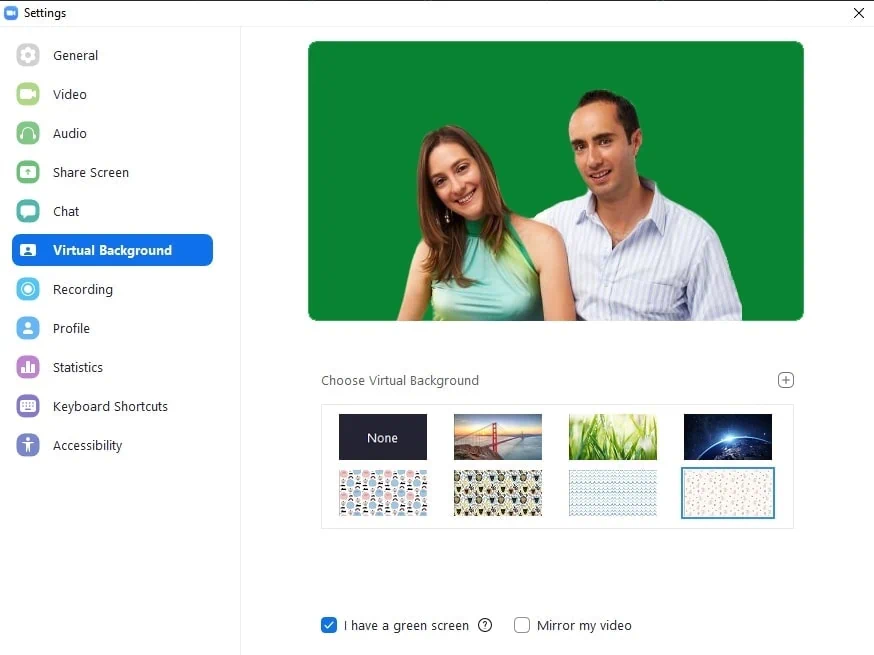
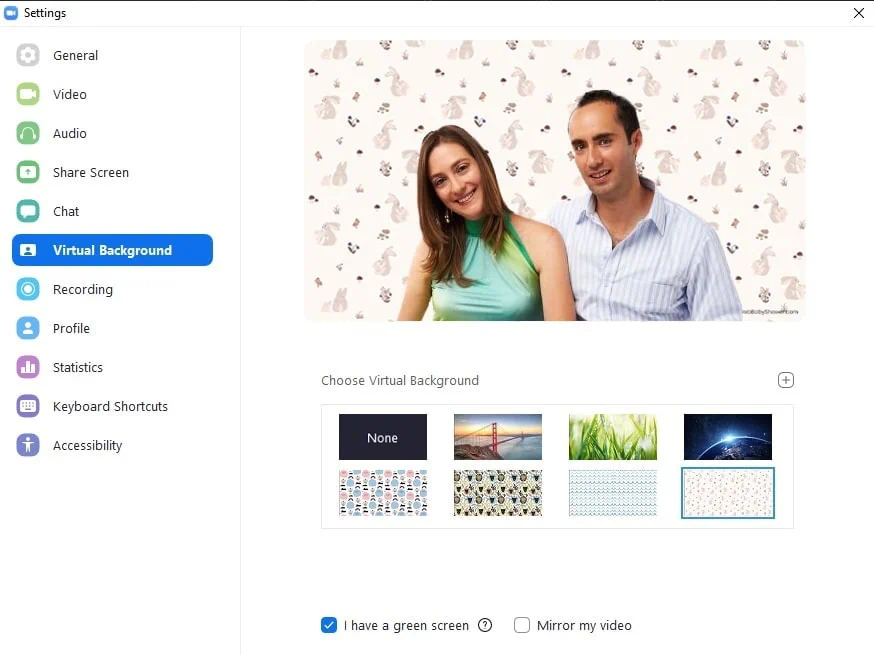
- Go to “Virtual Background.”
- To add a new virtual background, click the “+” icon and choose whether it’s an image or a video. Then upload directly from your computer.
- Un-check the “I have a green screen” option if you don’t actually have a physical green screen setup.
Zoom will apply the virtual background that you previously selected. However, if you’re in a meeting and you would like to change it, click the arrow up icon at the right of the video icon. Then select “choose video settings.”
Click Virtual Background and select the new background image that you’d like to use.
For iPhone:
- Start a new meeting or join an existing one.
- Click “More” or “…” at the bottom right and select “Virtual Background.”
- Select the background you would like to apply or click “+” to upload a new image. The background will be automatically applied to people.
- Click Close to return to the meeting.
- To disable Virtual Background, open the virtual background options again and choose the option None.
Note: Zoom background cannot be used on Android devices at this time.
Did you find our tips for getting some Zoom background set up for your virtual baby shower helpful? We certainly hope so. Zoom is not only for business meetings but for baby showers as well.
Now get to Zoomin’! And remember, during this difficult time of uncertainty and added stress, WebBabyShower is here — as always — to support both you and your growing family!